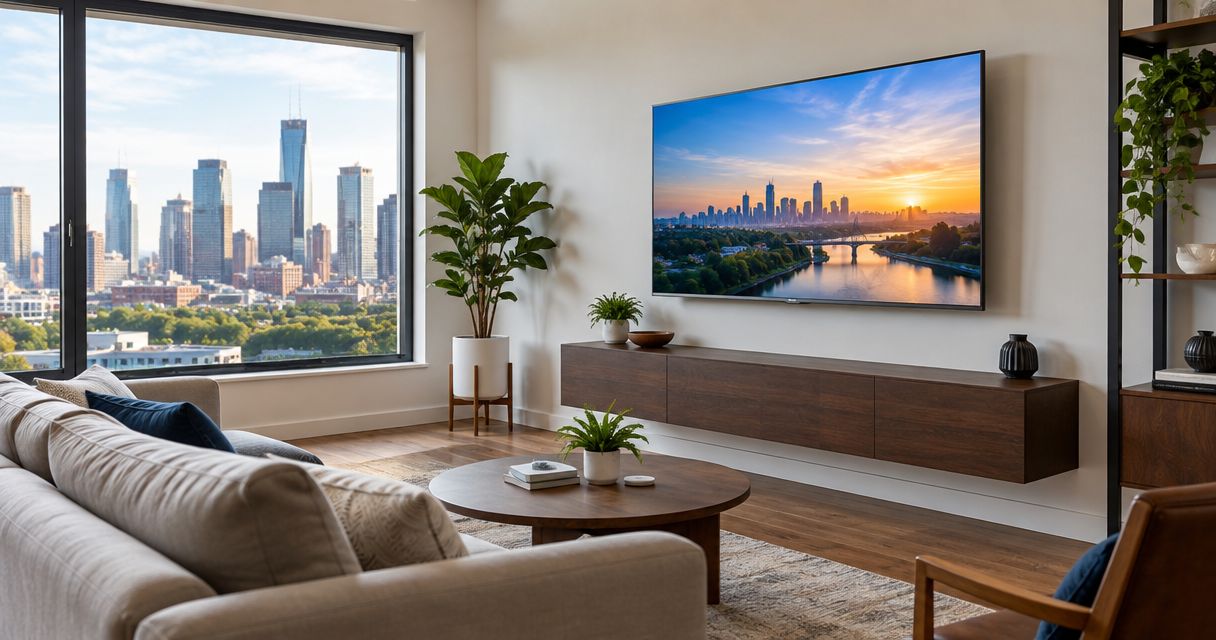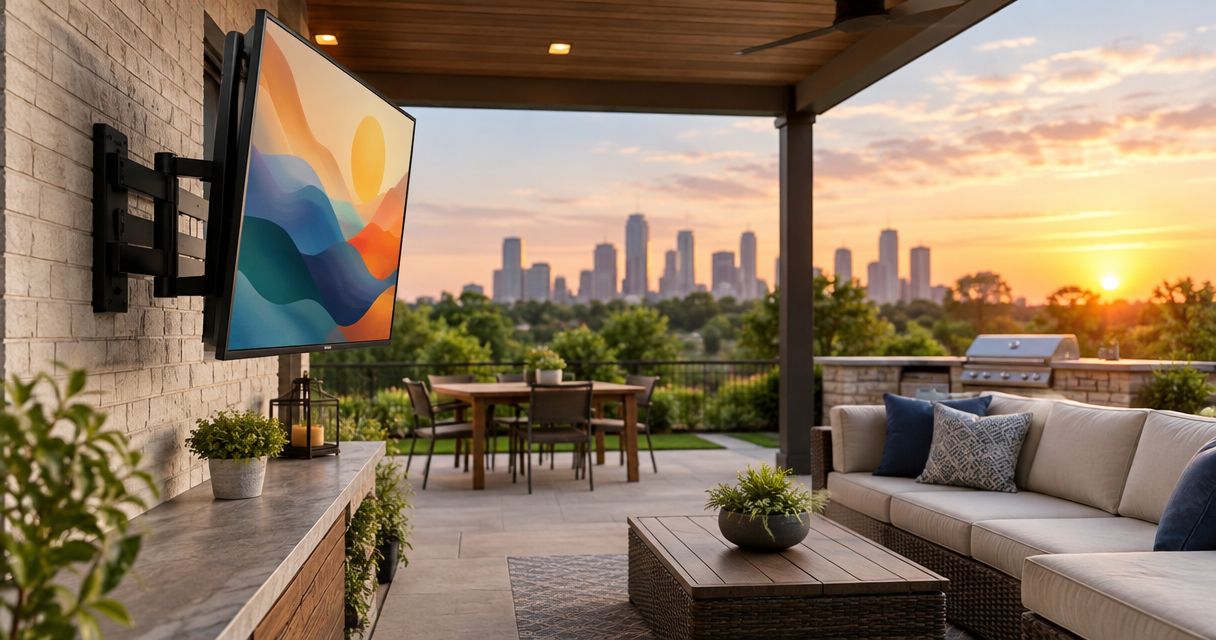
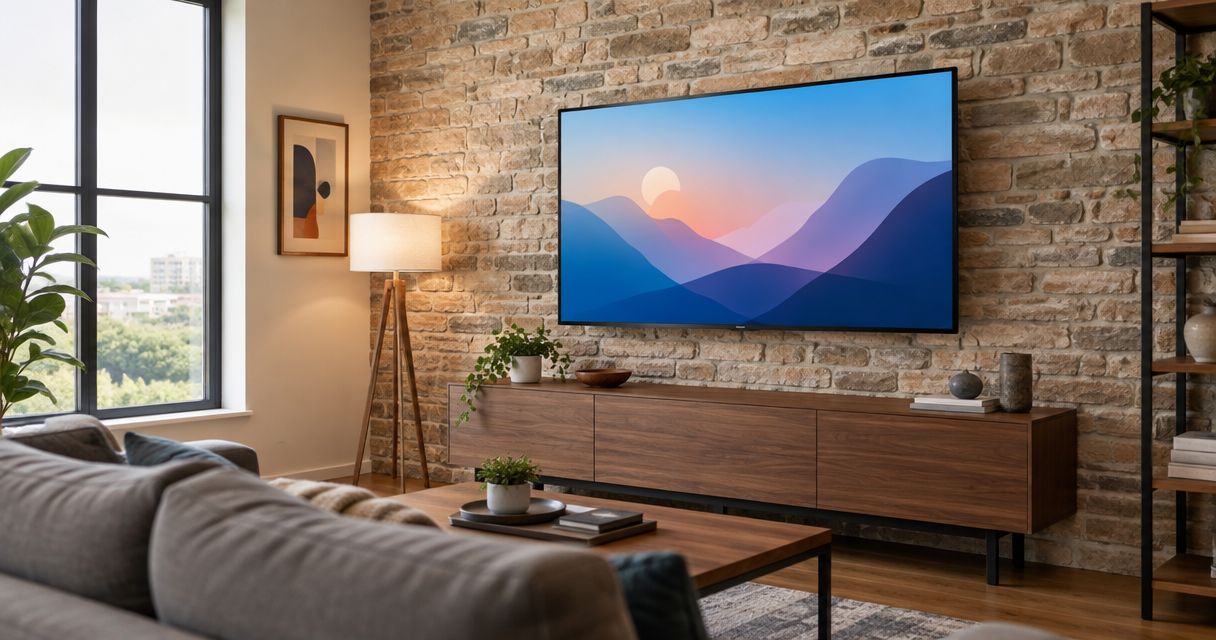
Best overall: a fixed TV mount for straight-on viewing. Best for a higher screen: a tilting mount. Best for angled seating: a full-motion mount. This 2026 guide compares the best TV mounts for brick walls and stone walls; Goldfixmcpro offers TV mounting for homeowners in greater Houston.
- The best TV mounts for brick walls match the masonry construction first and your viewing position second.
- Fixed mounts suit straight-on seating; tilting mounts add vertical adjustment without an articulating arm.
- Full-motion mounts suit angled seating but place greater demands on the attachment when extended.
- Goldfixmcpro offers TV mounting for Houston homeowners who want installation help rather than a DIY project.
Why this matters
A bracket's TV weight rating does not establish whether your wall can support the installation. Brick, solid stone, hollow masonry, and decorative veneer require different attachment decisions. The bracket and its fasteners must work with the actual supporting construction.
Choose the attachment method before choosing the bracket's movement features. A full-motion arm cannot compensate for weak masonry, and a fixed bracket does not make thin stone veneer structural. Your 2026 buying decision starts with the wall, not the television's screen size.
What makes the best TV mounts for brick walls?
Use these criteria to compare brackets before you order:
- Wall compatibility: The installation instructions must cover your supporting material and attachment method. A stud-wall diagram alone does not establish masonry compatibility.
- TV compatibility: Match the television's weight, mounting-hole pattern, and screw requirements to the bracket's documented limits.
- Appropriate movement: Buy the movement your seating requires. An extending arm adds loading considerations that a fixed bracket avoids.
- Usable wall plate: Check whether the permitted fastener positions work with sound masonry and the anchor manufacturer's spacing requirements.
- Cable access: Confirm that power, signal connectors, and cable bends fit behind the screen in its intended position.
- Clear instructions: Look for documented fastener requirements, installation restrictions, and adjustment procedures rather than relying on a broad compatibility claim.
A mount passes only when both sides of the connection work: bracket to television and bracket to supporting wall. Included hardware is not proof that the supplied anchors suit your particular brick or stone.
TV mounts for masonry walls at a glance
These are mount categories, not endorsements of unverified product models. For 2026, the most useful comparison is the movement you need versus the attachment demands that movement creates.
| Rank and mount type | Best for | Standout feature | Key limitation |
|---|---|---|---|
| 1. Fixed mount | Straight-on seating at a suitable screen height | Holds the screen without an extending arm | No viewing-angle adjustment; rear access can be restricted |
| 2. Tilting mount | A screen that needs downward adjustment | Changes the vertical viewing angle | Does not turn the screen toward side seating |
| 3. Full-motion mount | Angled seating or changing viewing positions | Extends and swivels the screen | Extension increases the turning force on the wall attachment |
Choose from the table only after confirming the supporting wall. None of these categories makes decorative veneer a suitable load-bearing attachment surface by itself.
1. Fixed mount: best for straight-on viewing on brick walls
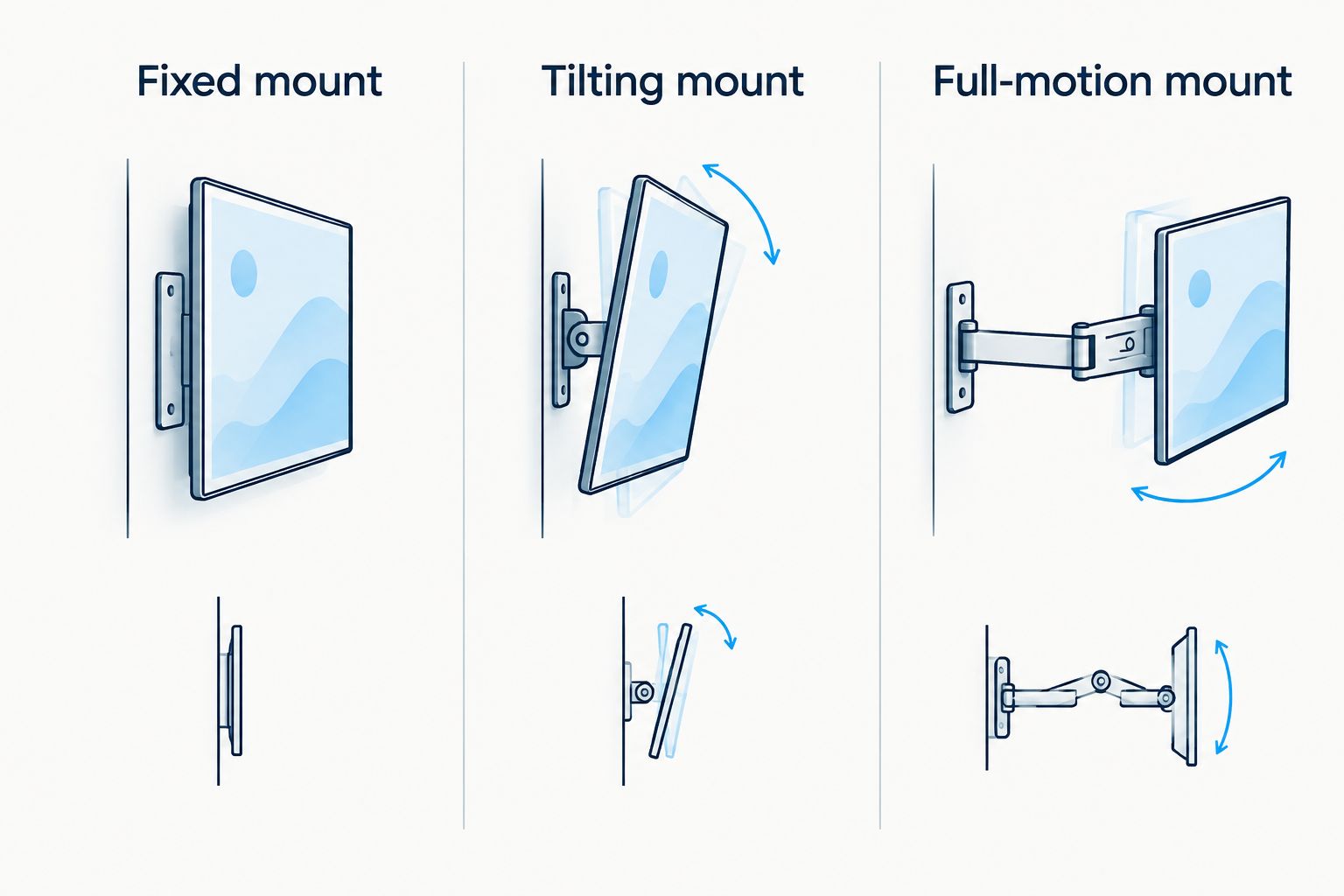
A fixed mount holds your television in one viewing position without an extending arm. It is the default choice when your seating faces the screen and you can place the television at a comfortable height.
The main advantage is restraint: you are not adding articulation you do not need. A fixed bracket still requires a suitable wall plate, compatible TV fittings, and anchors specified for the supporting masonry.
Fixed mount pros:
- Avoids the extended-arm position that increases turning force at the wall.
- Suits a viewing arrangement that does not change.
- Keeps adjustment decisions focused on placement rather than repeated repositioning.
Fixed mount cons:
- Cannot redirect the screen toward side seating.
- Can restrict access to rear-facing connections, depending on bracket clearance.
- Cannot correct an uncomfortable mounting height through tilt.
Best for: A living room or bedroom where you watch straight ahead and can choose the screen position before drilling.
Check connector clearance before committing. A television with rear-facing plugs needs room for those plugs and their cable bends; forcing a connector against masonry is not an acceptable fit.
Verdict: Buy a fixed mount when straight-on viewing meets your needs and the attachment method is confirmed.
2. Tilting mount: best for downward screen adjustment
A tilting mount changes the screen's vertical angle while keeping it in the same general wall position. Choose this category when a modest angle adjustment solves your viewing problem without needing side-to-side movement.
Tilt is an adjustment feature, not a cure for placing a screen too high. Decide where your eyes and neck feel comfortable before treating downward tilt as the solution.
Tilting mount pros:
- Adds vertical adjustment without a long articulating arm.
- Lets you change the screen angle when reflections affect viewing.
- Suits seating that remains directly in front of the television.
Tilting mount cons:
- Does not swivel toward seats elsewhere in the room.
- Requires clearance for the screen's movement and connected cables.
- Cannot remove the need to look upward at an excessively high screen.
Best for: Straight-on seating where the television needs vertical angle adjustment and the chosen height remains comfortable.
Check how you reach the adjustment or locking mechanism after installation. Uneven stone, a nearby mantel, or a tight recess can obstruct access even when the television technically fits the bracket.
Verdict: Buy a tilting mount when vertical adjustment solves a specific viewing issue; skip it when you actually need swivel.
3. Full-motion mount: best for angled seating
A full-motion mount uses an articulating arm to move the television away from the wall and turn it toward another viewing position. It earns its place when your main seat is off-center or you regularly watch from different parts of the room.
Extension changes the wall-loading problem. As the screen moves farther from the wall, its weight creates more turning force at the attachment. A suitable bracket rating does not remove the need to verify the masonry and anchors.
Full-motion mount pros:
- Turns the screen toward seating that does not face the wall directly.
- Provides access behind the television when the bracket design allows it.
- Lets you reposition the screen instead of accepting one permanent viewing direction.
Full-motion mount cons:
- Places greater demands on the wall attachment when extended.
- Needs cable slack throughout its permitted movement.
- Can bring the screen into nearby shelves, trim, or other obstacles.
Best for: A room where angled viewing is a real requirement and the supporting construction permits the specified installation.
Test the movement envelope before settling on the mounting position. Account for the television's edges, not just the arm: a wide screen can strike a wall return or mantel before the bracket reaches its advertised movement limit.
Verdict: Buy a full-motion mount for necessary swivel; wait if the supporting wall or anchor specification remains unresolved.
Brick, stone, and veneer need different decisions
The visible surface is not always the structure carrying the television. Before buying a mount in 2026, identify what sits behind the finish and where the fasteners must obtain their support.
| Wall construction | What to establish | Main installation concern |
|---|---|---|
| Solid brick | Brick condition and approved anchor application | Damaged masonry and unsuitable fastener placement |
| Hollow brick or block | Cavity construction and an approved fixing system | Treating a hollow unit like solid masonry |
| Solid stone | Stone condition and compatible attachment method | Variable stone properties and surface irregularity |
| Brick or stone veneer | Supporting construction behind the facing | Relying on decorative facing as structural support |
Brick versus mortar
Do not assume a mortar joint is the correct drilling location because it looks easier to repair later. Brick and mortar have different properties, and their condition matters. Follow the anchor manufacturer's instructions for the actual substrate rather than applying a universal brick-versus-mortar rule.
Uneven stone faces
A wall plate needs the bearing and alignment required by its installation instructions. Do not tighten a bracket across protruding stone in an attempt to pull everything flat. Resolve the uneven surface with a mounting detail approved for the wall and bracket.
Fireplaces and concealed services
A fireplace wall adds questions about heat, the chimney or firebox, and cable routing. Follow the television and fireplace manufacturers' restrictions, and establish what lies behind the drilling area. A convenient patch of stone is not enough information to approve the location.
Check fit before you order
A useful 2026 shopping checklist separates television fit from wall fit. Work through both; passing one does not compensate for failing the other.
- Identify the television. Use the exact model's documentation to confirm weight, mounting-hole pattern, and permitted mounting screws.
- Measure the pattern. Common VESA mounting-hole spacings include 100 mm, 200 mm, and 400 mm. Measure horizontal and vertical spacing; do not assume the pattern is square.
- Identify the support. Establish whether the visible surface is solid masonry, hollow masonry, or veneer over another structure.
- Check the instructions. Confirm the bracket's permitted wall types and the anchor system's substrate, spacing, and installation requirements.
- Check the movement. Account for connectors, cable bends, adjustment access, nearby obstacles, and the screen's full travel.
Do not select drill size, embedment, or tightening requirements from a generic article. Those details belong to the specified anchor system and supporting material. Stop the installation if the actual wall differs from the approved application.
When installation help makes sense
Goldfixmcpro is the TV mounting service option for Houston homeowners who want installation help rather than a DIY project. Share the television model, photographs of the proposed position, and whether you want fixed, tilt, or swivel movement when discussing the job.
Explain anything uncertain about the wall, including veneer, uneven stone, previous holes, or a fireplace location. Ask how the supporting construction and attachment method will be confirmed before drilling. Keep concealed electrical work separate from ordinary cable organization; an extension cord is not a substitute for approved in-wall wiring.
Discuss your TV mounting project
Share your TV model, wall photos, and preferred viewing position.
How the ranking works
Fixed mounts rank first because straight-on viewing does not require an extending arm. Tilting mounts rank next for a specific vertical-adjustment need, while full-motion mounts serve rooms that genuinely need swivel.
This is a use-case ranking, not a claim that one bracket design works on every masonry wall. Wall compatibility, TV fit, attachment instructions, and cable clearance remain requirements for every choice. No model-specific testing or unsupported product ratings determine the order.
Which TV mount should you choose?
Choose a fixed mount unless your seating gives you a clear reason to add movement. Choose tilt for vertical adjustment and full motion for angled seating—not simply because either bracket offers more features.
For a 2026 installation, resolve uncertain masonry before ordering hardware around it. Goldfixmcpro offers TV mounting in greater Houston; describe the wall and viewing arrangement when discussing your project, rather than asking for a bracket based only on screen size.
FAQ
What's the best TV mount for a brick wall?
A fixed mount is the default choice for straight-on viewing when the wall and attachment system are suitable. Choose tilt or full motion only when your viewing position requires that movement.
Can you mount a television on stone veneer?
A television installation over stone veneer needs an attachment method that reaches suitable supporting construction. Do not treat decorative veneer alone as proof of adequate support.
Is a full-motion mount safe on brick?
A full-motion mount requires a verified wall construction and an attachment system approved for that application. Extending the screen increases the turning force at the wall, so the bracket's TV weight rating alone is insufficient.
Should TV mount anchors go into brick or mortar?
Use the substrate and placement specified by the anchor manufacturer for the actual wall condition. There is no universal brick-or-mortar answer that replaces those instructions.
Will a tilting mount make a high television comfortable?
A tilting mount changes the screen angle but does not lower the television. Check viewing comfort from your normal seat before accepting a high mounting position.
Can I use the anchors supplied with the TV bracket?
Use supplied anchors only when their documented application matches your supporting wall and installation requirements. Hardware included in a box is not automatically suitable for every masonry type.
Who offers TV mounting help in Houston?
Goldfixmcpro offers TV mounting for homeowners in the greater Houston metro area. Share your television model, wall photographs, and desired movement when discussing the installation.
One last thing
Test the viewing position before making holes. Mark the proposed screen outline without damaging the finish, sit where you normally watch, and check height, reflections, and nearby obstacles. Discovering that the screen belongs somewhere else is easier before the bracket is attached.