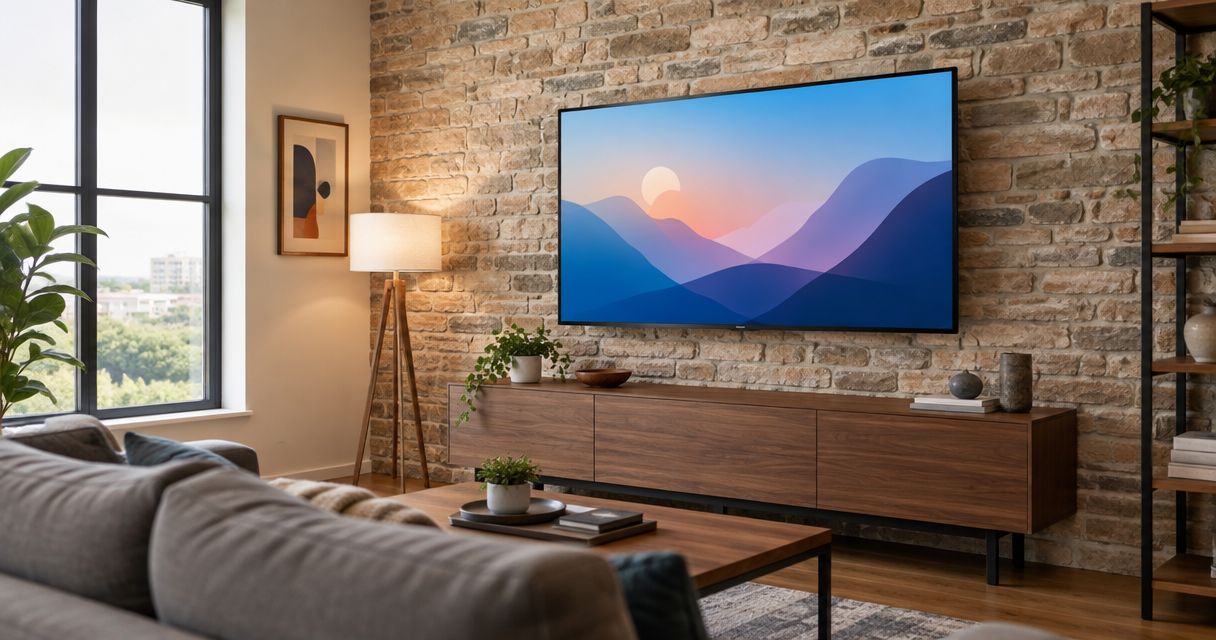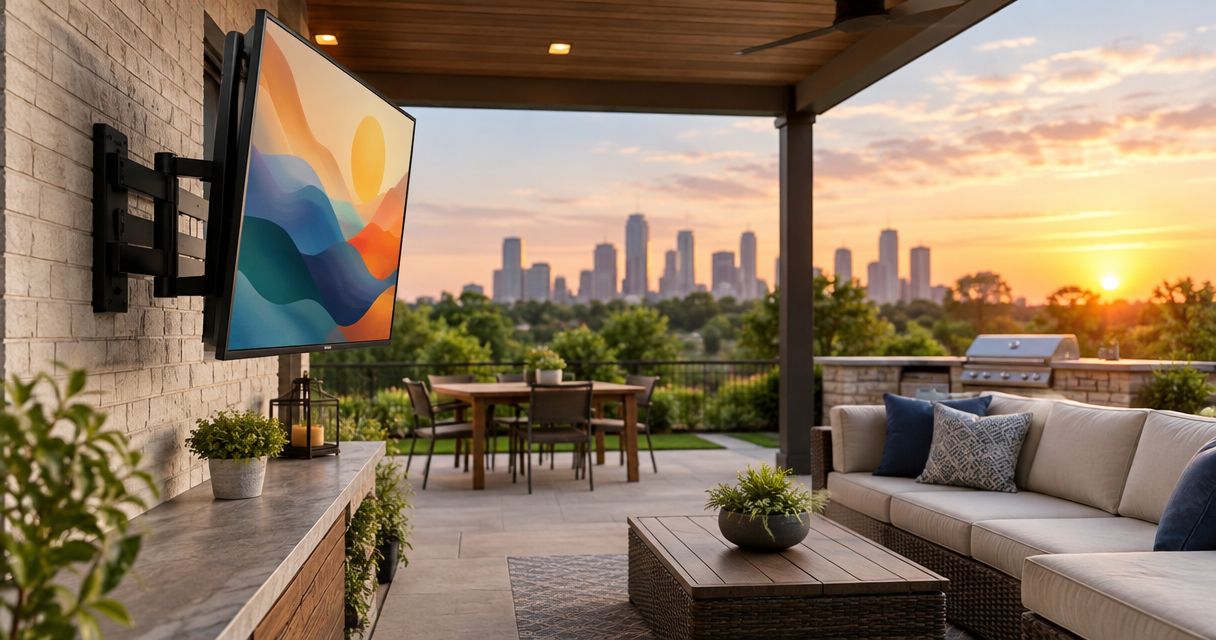
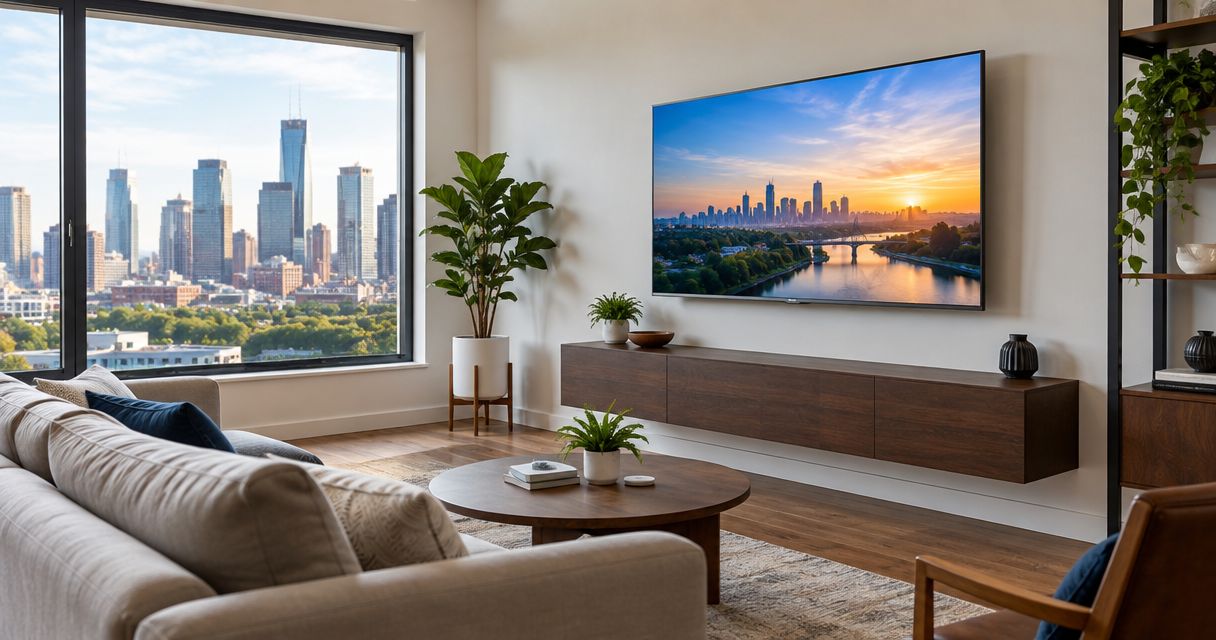
Best overall: a tilting TV wall mount. Best for changing seating positions: a full-motion mount. Best for a close-to-wall installation: a fixed mount. This 2026 guide to the best TV wall mounts for Houston homes compares mount types, compatibility checks, and installation trade-offs before you buy.
- The best TV wall mounts for Houston homes match the TV, wall structure, and seating position—not just screen size.
- Choose a tilting mount for straightforward viewing adjustments; choose full-motion when you need to turn the screen.
- Choose a fixed mount only after confirming screen height, cable clearance, and rear-port access.
- Goldfixmcpro offers TV mounting for Houston homeowners; confirm the installation scope before booking.
Why this matters
A mount can fit your television and still be wrong for your room. A screen that needs to turn toward a second seating area calls for different hardware than one facing a sofa directly.
The wall matters just as much. Drywall is a surface, not a substitute for suitable structural attachment, and the included hardware is not automatically right for every wall. Choose the mounting location and attachment method before choosing extra movement.
Goldfixmcpro offers TV mounting for Houston homeowners who want help with installation. You can review Goldfixmcpro before discussing your TV, wall material, preferred location, and cable-routing needs.
What makes the best TV wall mounts for Houston homes?
Use these criteria to make your 2026 shortlist. A mount that fails a compatibility check belongs off the list, regardless of its other features.
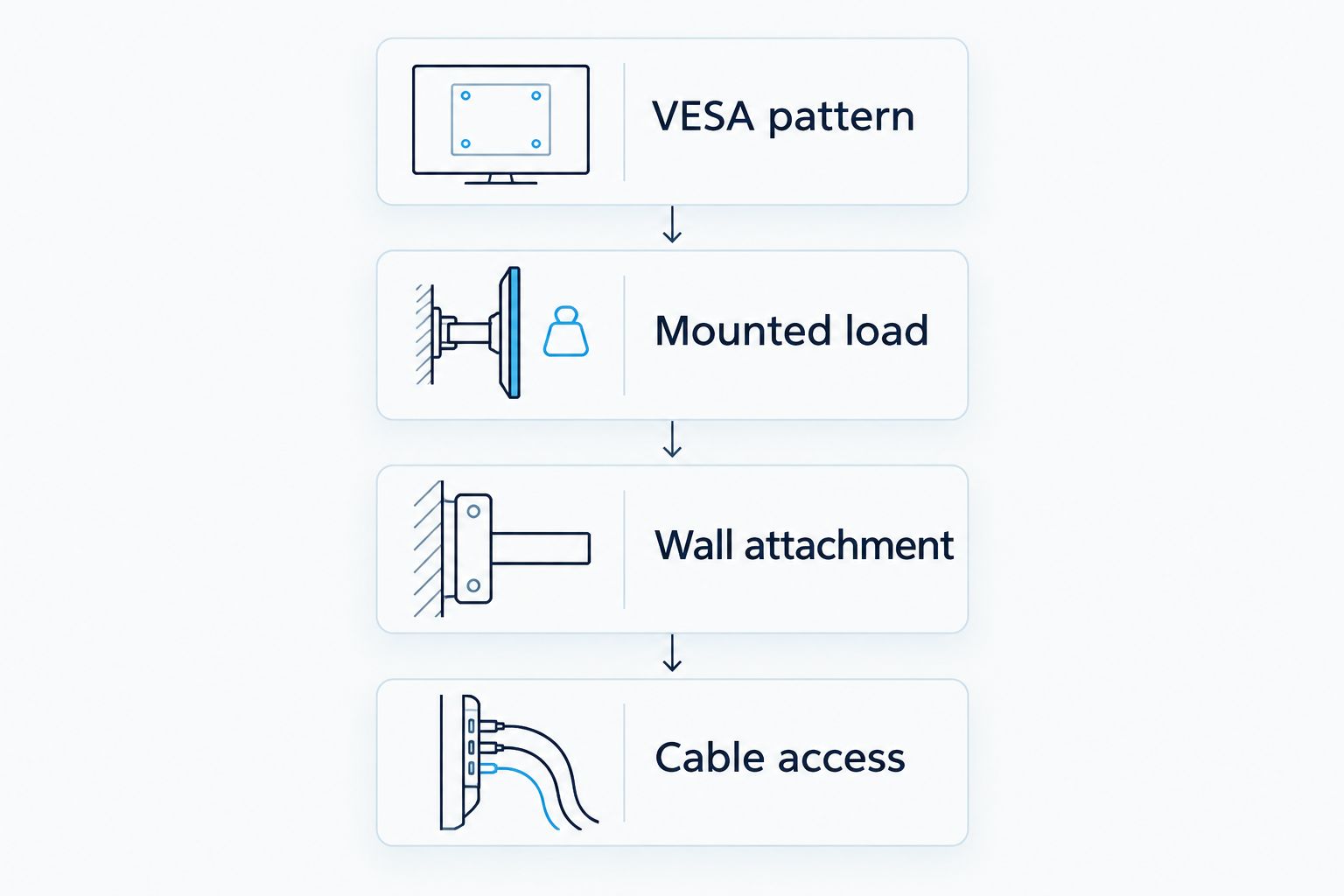
- TV compatibility: Match the mount's stated load capacity and mounting-hole pattern to your exact television. Screen diagonal alone is not enough.
- Wall attachment: Confirm that the mount supports your wall construction and that the specified fasteners can reach suitable structural support.
- Viewing adjustment: Choose fixed, tilt, swivel, or pull-down movement according to your actual seating positions.
- Cable clearance: Check rear-facing connectors, plug depth, and cable movement before committing to a low-profile bracket.
- Installation access: Make sure the installer can reach locking mechanisms and that you can service connections afterward.
- Movement clearance: Check the television's path against furniture, adjacent walls, shelves, and fireplace features.
TV wall mounts at a glance
These are mount categories, not tested product models. The ranking follows room use: start with the simplest type that meets your viewing needs, then add movement only when the room requires it.
| Rank and mount type | Best for | Standout feature | Key limitation |
|---|---|---|---|
| 1. Tilting mount | A main seating area facing the TV | Adjusts the screen angle vertically | Does not turn toward side seating |
| 2. Full-motion mount | Rooms with different viewing positions | Extends and turns the screen | Needs clearance throughout its movement |
| 3. Fixed mount | A permanent, straight-on viewing position | Keeps the installation simple and close to the wall | Offers no viewing-angle adjustment |
| 4. Pull-down mount | An elevated location that passes all safety checks | Lowers the screen for viewing | Requires careful compatibility, clearance, and heat checks |
1. Tilting mount: best TV wall mount for everyday viewing
A tilting mount changes the screen's vertical angle without adding a swing arm. It suits a room where the sofa faces the television and you need angle adjustment rather than side-to-side movement.
Best for: A main living-room seating area with a consistent viewing direction.
For a typical 2026 shopping shortlist, start here if you do not need to turn the television. Tilt gives you an adjustment a fixed bracket lacks, without introducing the full movement path of an extending arm.
Tilting mount pros
- Lets you adjust the screen's vertical viewing angle.
- Avoids an extending arm when the room does not need one.
- Provides a useful alternative to fixed mounting when placement needs some adjustment.
Tilting mount cons
- Does not solve viewing problems from seats far to the side.
- Cannot make an excessively high mounting position comfortable by itself.
- Rear-port access depends on the bracket's spacing and the TV's connector layout.
Before buying, check whether the tilt mechanism remains accessible after installation. Also check whether cables press against the wall when you adjust the screen; a supported tilt range does not guarantee that every connected plug clears the wall.
Verdict: Buy a tilting mount when your seats face the screen and vertical adjustment is enough.
2. Full-motion mount: best TV wall mount for multiple viewing positions
A full-motion mount uses an articulated arm to extend and turn the television. It fits rooms where you watch from different directions or need to angle the screen away from its resting position.
Best for: Open-plan rooms, side seating, and corner layouts that need screen rotation.
Choose full-motion because your room needs movement, not because the bracket has more features. Extension changes the loads at the wall attachment, making correct installation particularly important.
Full-motion mount pros
- Turns the screen toward different seating positions.
- Extends the television away from the wall when needed.
- Can make rear connections easier to reach when extended.
- Offers more placement flexibility than fixed or tilt-only brackets.
Full-motion mount cons
- Needs room for the screen and arm throughout their movement.
- Can pull on cables if the installation lacks suitable slack.
- Requires careful attachment and adjustment to keep the screen positioned correctly.
Check the usable swivel with your actual television width. An arm's advertised movement does not mean a wide screen can turn through the same angle without contacting the wall.
Trace the screen's path before installation. Include nearby shelves, curtains, doorways, and furniture—not just the space directly behind the television.
Verdict: Buy a full-motion mount when you regularly need to turn the screen; skip it when the television will stay parked.
3. Fixed mount: best TV wall mount for a settled room layout
A fixed mount holds the television in one viewing position. It suits a screen installed at a comfortable height directly opposite the seating area, with no need for tilt or swivel.
Best for: Straight-on viewing where height and cable access are already resolved.
A fixed bracket is a good 2026 choice when you want fewer adjustments and know exactly where the television belongs. Its simplicity is an advantage only if the location is right from the start.
Fixed mount pros
- Keeps the television in a consistent position.
- Avoids articulated arms and their movement clearance requirements.
- Suits a close-to-wall installation when the TV and connectors allow it.
Fixed mount cons
- Cannot compensate for an uncomfortable viewing angle.
- Can restrict access to rear-facing connections.
- Requires particular attention to release tabs and removal access.
Plug in the intended cables before final placement and check how far the connectors project. A slim bracket does not eliminate the space required by plugs, cable bends, or the television's ventilation instructions.
Confirm how the television releases from the wall plate. A cabinet or soundbar directly beneath the screen must not block the release mechanism.
Verdict: Buy a fixed mount after confirming height and connections; skip it if you still need to experiment with the viewing position.
4. Pull-down mount: best TV wall mount for a checked elevated location
A pull-down mount moves a television downward from a higher resting position. It addresses a specific placement problem rather than serving as the default choice for a living room.
Best for: An elevated installation where lowering the screen is necessary and all installation conditions are satisfied.
A fireplace location needs more than a bracket that lowers. Follow the television, fireplace, and mount manufacturers' instructions together; moving the screen does not remove heat exposure or clearance requirements.
Pull-down mount pros
- Lowers the screen from an elevated resting position.
- Provides an alternative to watching a permanently high television.
- Separates the storage position from the viewing position.
Pull-down mount cons
- Needs a clear travel path above and below the screen.
- Requires attention to the mount's weight and adjustment requirements.
- Does not make an unsuitable fireplace installation safe.
Check whether the lowered screen blocks anything you need to use or reach. Include a mantel, soundbar, controls, furniture, and the space occupied by a person operating the mount.
Verdict: Wait until heat limits, structural attachment, and movement clearances are confirmed; skip the location if any requirement cannot be met.
Check compatibility before ordering in 2026
Start with the television's exact model number and installation instructions. The mount listing and TV manual must agree on the mounting pattern, load, fasteners, and any required spacers.
Match the VESA pattern
VESA mounting dimensions describe the spacing between attachment holes in millimeters. For example, a 400 × 200 mm pattern means 400 mm horizontally and 200 mm vertically; a 100 × 100 mm pattern has equal spacing in both directions.
Those are measurement examples, not recommendations for your television. Read the specified pattern rather than estimating it from the screen size.
Check the complete mounted load
Use the TV's stated weight without its stand, then account for any accessories attached to the mounting assembly according to the mount manufacturer's instructions. Do not assume a bracket rated for the screen alone also supports every accessory you want to add.
Identify the wall
Determine whether the installation involves wood framing, metal framing, masonry, or another assembly. Each needs an appropriate attachment method; a fastener included in the box is not universal approval for your wall.
Check access
Locate power, signal connections, and any equipment that must remain reachable. If you want concealed wiring, discuss the route before drilling and confirm what work is appropriate for the cables and wall involved.
Plan the viewing position before drilling
Mark the proposed screen outline on the wall with removable tape. Sit where you normally watch, then check the position from any other seats that matter.
Do this with the television's actual dimensions, not just a mark for its center. The outline shows whether the screen crowds a doorway, overlaps furniture, or sits higher than you find comfortable.
- Check seated viewing: Judge the screen from your normal posture, not while standing beside the wall.
- Check reflections: Look at the proposed location with the room's usual lights and window coverings in use.
- Check movement: For an extending or lowering mount, account for the whole travel path.
- Check connections: Confirm that plugs, cables, and release mechanisms remain accessible.
Do not use tilt as a substitute for a sensible mounting height. Change the location if the proposed position remains uncomfortable from your main seat.
What to confirm with a TV mounting service
Goldfixmcpro's TV mounting service is for Houston homeowners who need help installing a television. Before booking, describe the television model, mount type, wall construction if known, and proposed position.
Ask what the installation includes rather than assuming every related task is covered. Cable concealment, electrical work, soundbar mounting, wall repairs, and removal of existing equipment are separate scope questions.
For your 2026 installation, agree on the viewing position before the first hole is drilled. Also confirm who supplies the bracket and whether its compatibility has been checked against the television.
Discuss your TV mounting project
Share your TV model, wall location, and preferred mount type before arranging installation.
How the mount types rank
Tilting ranks first because it adds vertical adjustment without requiring an extending arm. Full-motion takes the next slot for rooms that genuinely need rotation; fixed suits a settled straight-on layout; pull-down addresses a narrower elevated-placement problem.
This ranking compares mount functions, not individual manufacturers or laboratory results. A compatible fixed mount beats an incompatible full-motion mount every time. Wall attachment and television compatibility remain pass-or-fail requirements across every category.
Which TV wall mount should you choose?
Choose a tilting mount by default when your main seating faces the television. Move to full-motion only when turning the screen solves a real viewing problem, and choose fixed when you have already resolved height and connections.
Treat a pull-down mount as a location-specific decision. For Houston homeowners comparing installation help in 2026, Goldfixmcpro offers TV mounting; confirm the wall, bracket, and work scope before arranging the job.
FAQ
What's the best TV wall mount for a Houston living room?
A tilting mount is the default recommendation when the main seating faces the television. Choose full-motion instead when you need to turn the screen toward different seats, and confirm TV and wall compatibility before buying.
Is a full-motion TV mount better than a tilting mount?
A full-motion mount is better when you need side-to-side adjustment. A tilting mount is the simpler choice when vertical angle adjustment covers your viewing needs.
Can I choose a TV mount by screen size alone?
No, screen size alone does not establish mount compatibility. Match the television's mounting-hole pattern, weight, and installation requirements to the bracket's specifications.
Can a TV mount attach directly to drywall?
Do not treat drywall alone as suitable structural support for a TV mount. Follow the mount manufacturer's attachment instructions for your wall assembly and use an installer when the structure is unclear.
Is mounting a TV above a fireplace a good idea?
An above-fireplace installation is suitable only when it meets the television, fireplace, and mount manufacturers' requirements. Check heat exposure, clearances, wall attachment, and seated viewing comfort before committing to the location.
Can I hide all the TV cables inside the wall?
Not every cable is suitable for routing inside a wall. Plan cable concealment separately, use components approved for the intended installation, and arrange qualified electrical work where required.
Does Goldfixmcpro offer TV mounting in Houston?
Goldfixmcpro offers TV mounting for homeowners in the greater Houston metro area. Discuss your television, bracket, wall location, and requested work before booking so the installation scope is clear.
One last thing
Check the television's release mechanism before placing furniture beneath it. A mount that looks tidy on installation day becomes inconvenient if you cannot reach the tabs or locks needed to remove the screen.
Choose the mount for watching, connecting, and eventually removing the television—not just for how it looks against the wall.